01
Open a photograph.
Drop in a JPEG, PNG, or WebP from your Mac. This one arrived with a chair nobody invited.
 Unscene
Brush over it, let Unscene fill the space, and keep the photograph on your Mac. No upload or account in the middle.
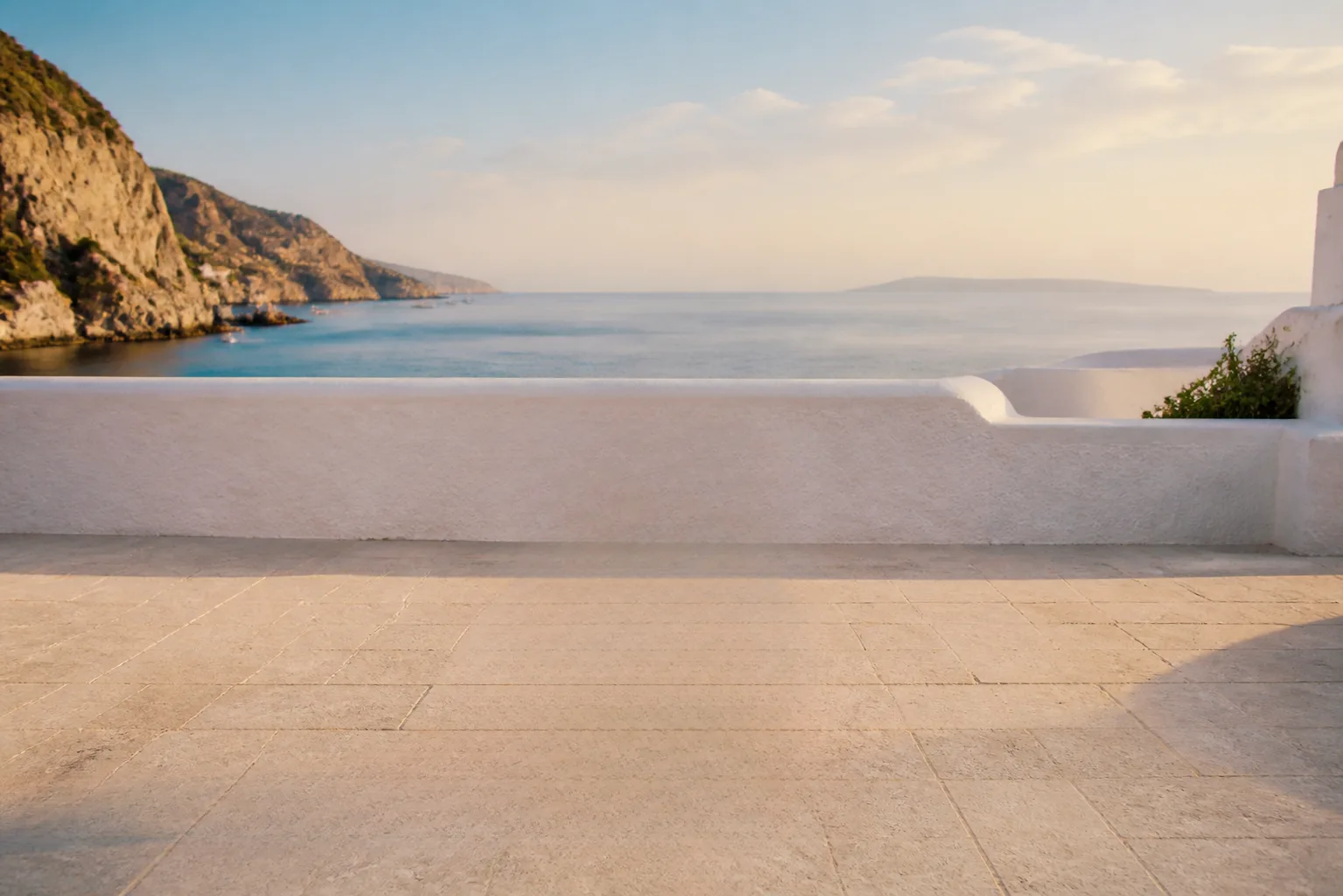
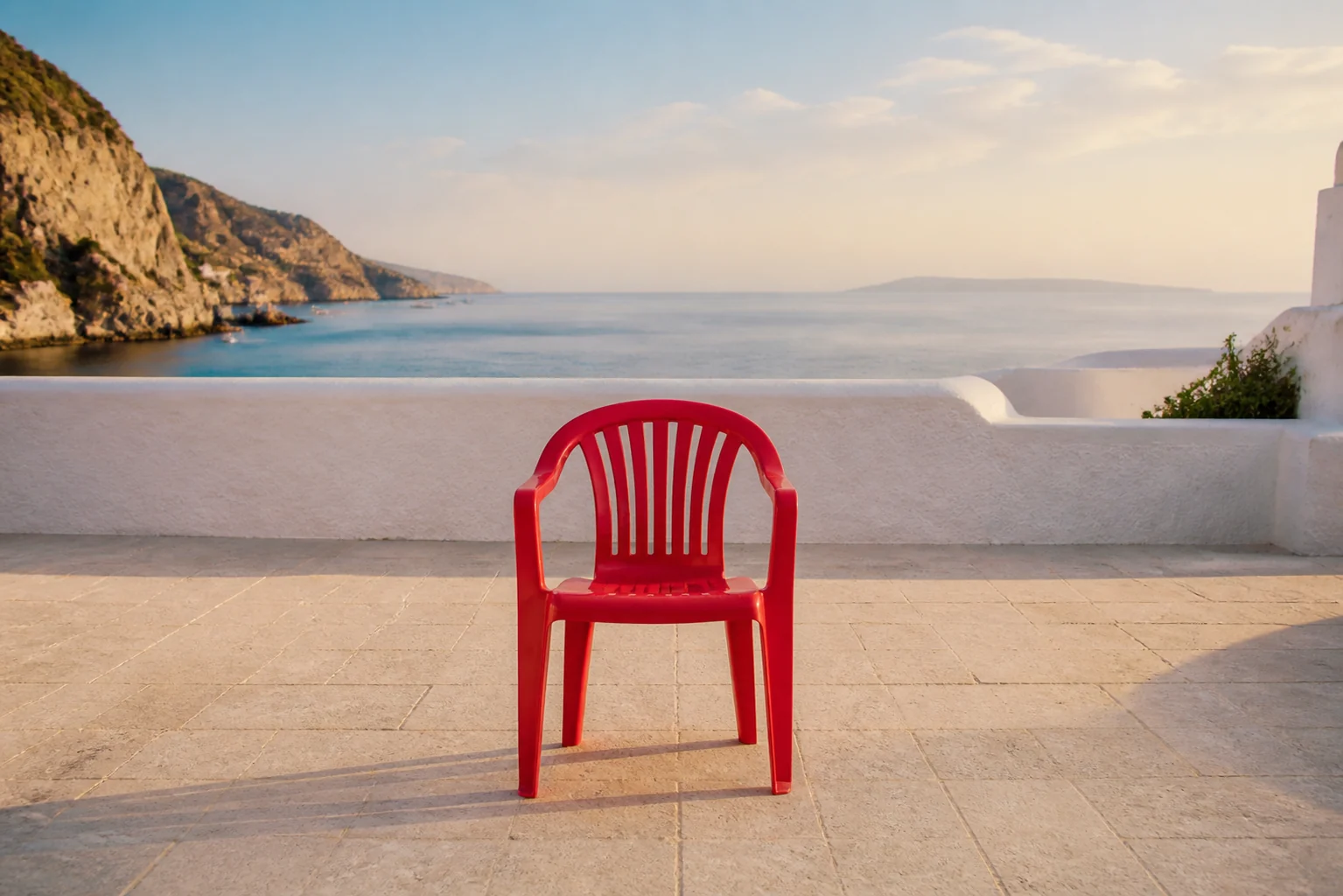
Drop in a JPEG, PNG, or WebP from your Mac. This one arrived with a chair nobody invited.
Paint over the object and its shadow. Rough edges are fine; Unscene works out the rest from the pixels around it.
Compare, undo if you need to, and save the clean photograph locally. Nothing was uploaded.
Private by design
The editor and cleanup model run on your Mac. No cloud gallery, no image history, no required account.
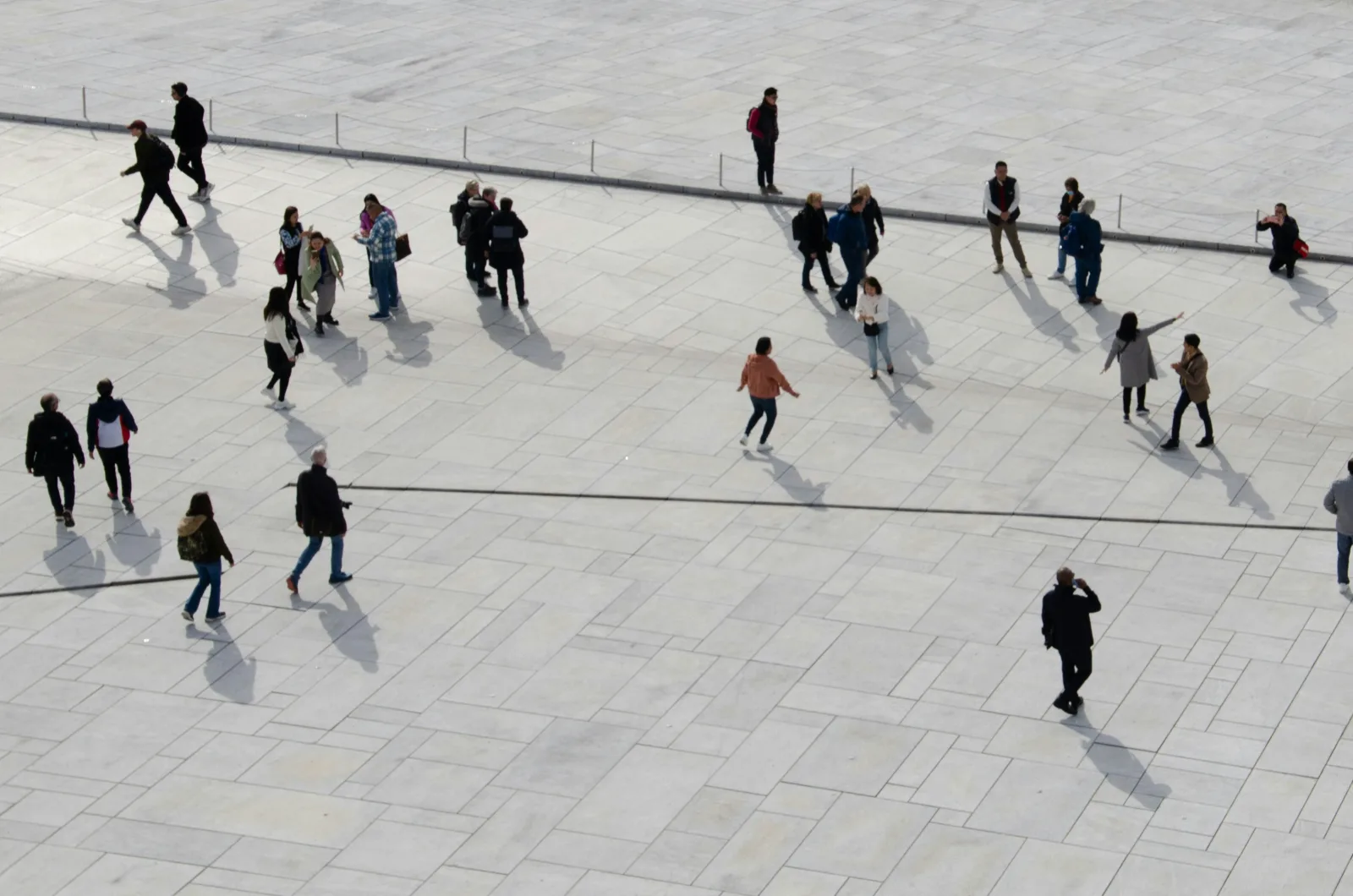
Originals, masks, and finished images are handled locally.
Open the app and start. The tool doesn’t need an account.
The app sends no usage analytics from the local editor.
Free local beta
Apple Silicon · macOS 13+ · no account